
A circuit simulator that runs while you draw, and answers to ngspice when you need the number.
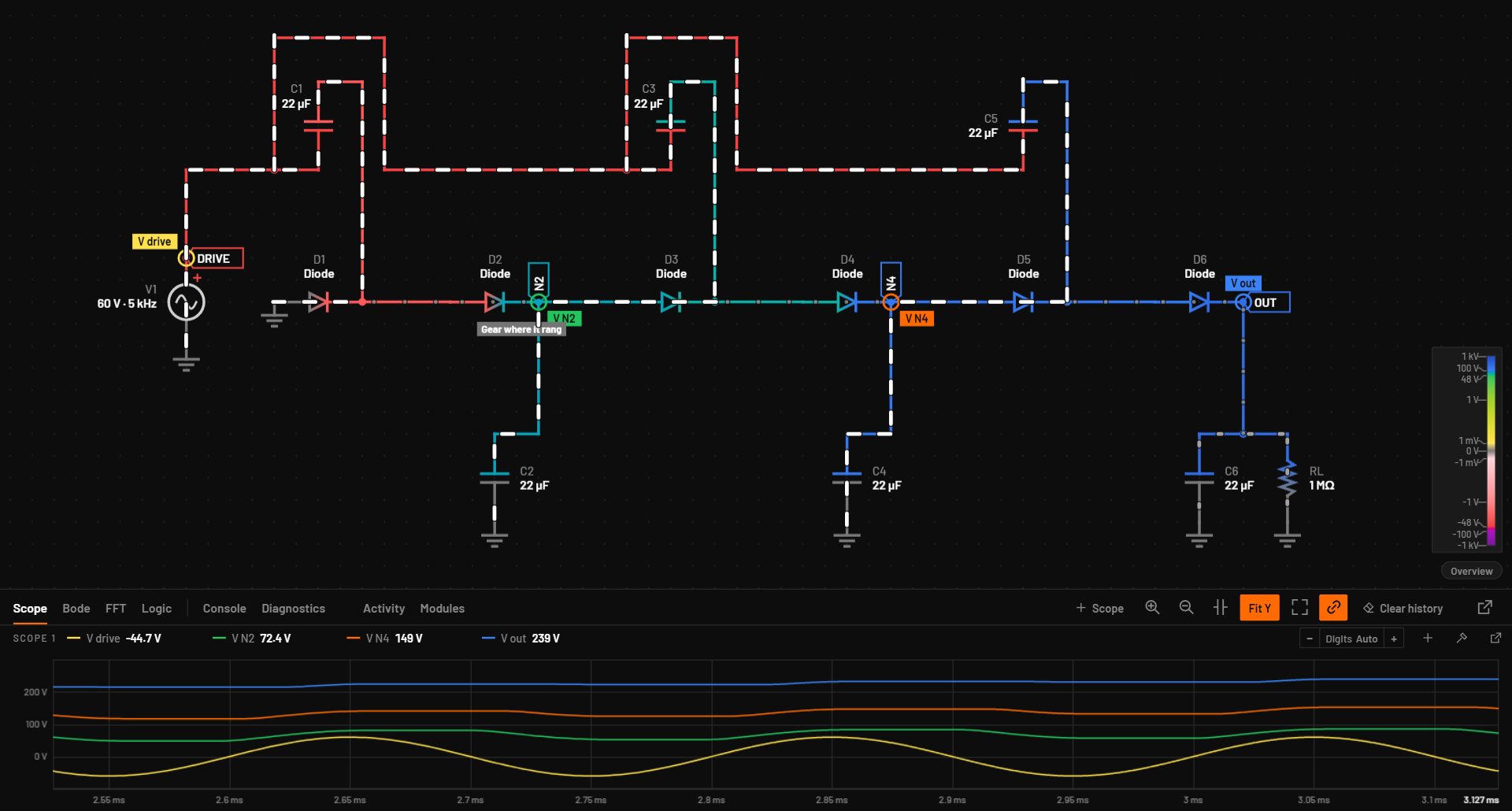
For engineers who want to see a circuit work before they build it. Wires take the colour of their voltage as you edit, current moves through the parts, and a microcontroller runs your program against its real pin voltages. Press F5 and the same schematic gets a full transient, AC or DC analysis.
Free to use, also at work. Windows, macOS and Linux. Version 0.8.1 beta, 17 November 2026. Once installed, it updates itself.
DemoIn your browser
Get a feel for it right here
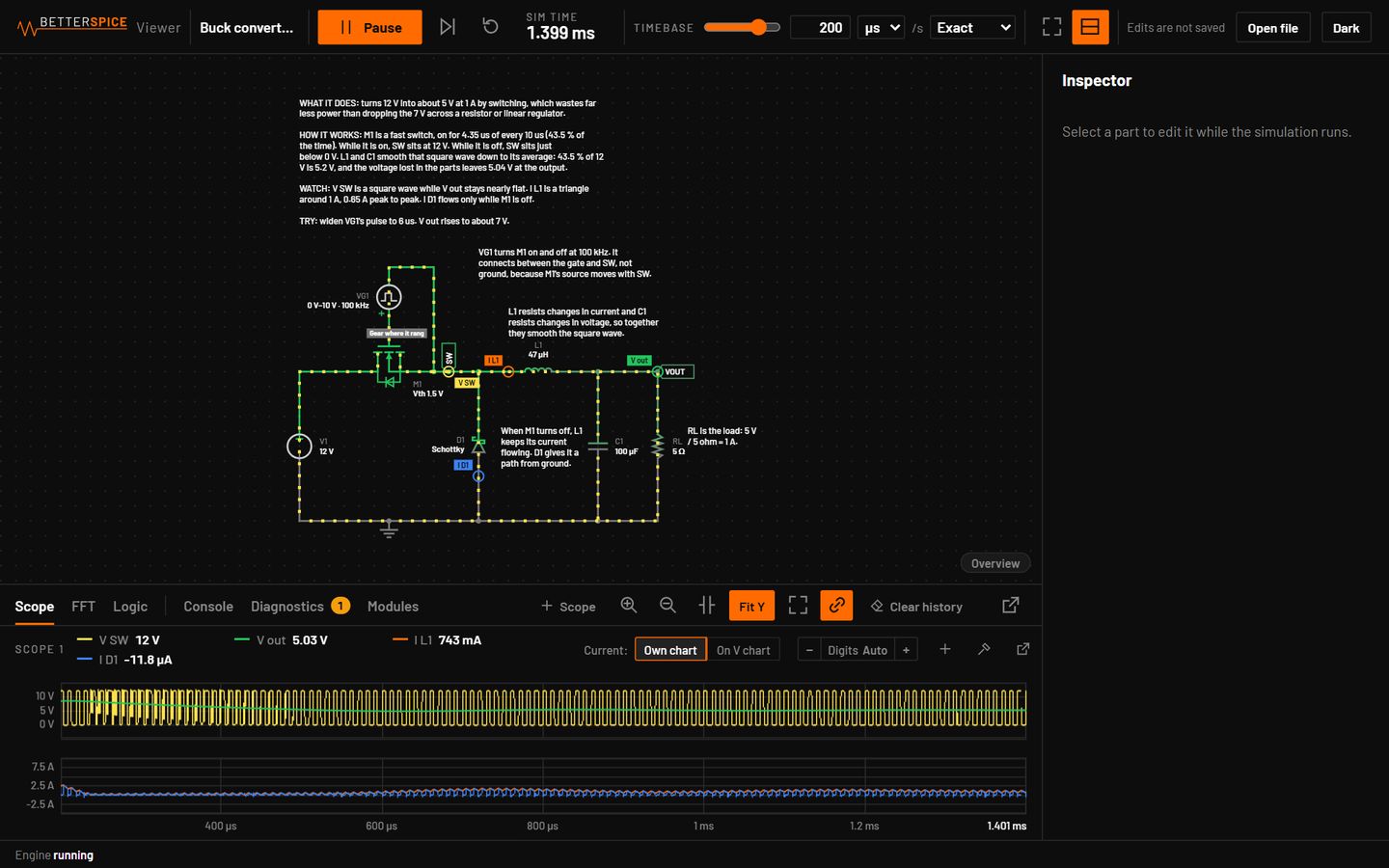
- WWire tool: click a pin, the corners, the end
- Drag from a pin: a wire
- Drag a part: move it
- DelDelete
- CtrlZUndo
- SpaceRun or pause
- Click a part: change its value
- One finger: scroll the page
- Two fingers: move and zoom the circuit
- Tap a part: change its value
- Wire button, then tap a pin, the corners, the end
MeasuredAccuracy, 0.8.0
Operating points agree with ngspice to 1 part in 100 billion
ngspice figures: bspice verify on 438 test circuits, both simulators at the suite's reltol of 1e-6. Live view figures: 118 example circuits. Measured on 17 November 2026.
01Live view
Live from the first wire
The circuit runs as soon as it has a source and a ground. Every part's volts, amps and watts update while you edit.
Change a value while it runs and the waveforms follow. A capacitor keeps its voltage and an inductor its current through the edit, so nothing restarts. Keys 1 to 4 set the speed, and a 50 Hz rectifier and a 1 MHz converter both run at a pace you can follow.
The wires use one colour scale from 1 mV to 1 kV, so the same voltage always has the same colour. Current dots grow into dashes as the current rises.
Point at the bar for the voltage of a colour. A wire you point at in the circuit is marked on it.
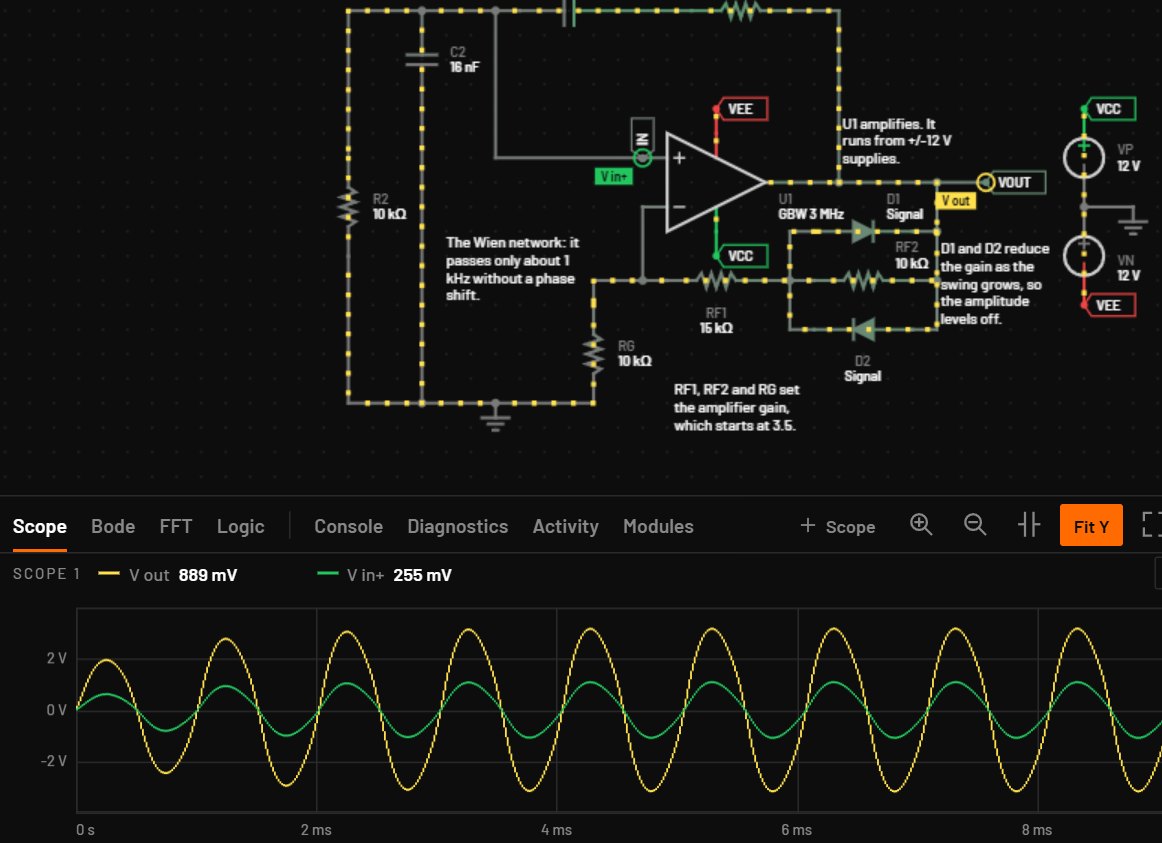
bspice tran on the same circuit. One cycle of the 1 kHz source takes 2 seconds here.Big boards
A circuit of 100 parts or more runs its live view on the native engine. On a 578-part board that is about 1.4 times as fast as WebAssembly, with the same frames bit for bit.
The spread of your parts
View > Tolerance band shades the range each scope trace takes with the parts at the ends of their tolerance, while the circuit runs.
When it can't keep up
When a circuit is too heavy for the timebase you set, the toolbar shows how fast it really runs. Balanced and Fast keep the timebase at reduced accuracy, and a banner says what changed.
02Accuracy
Checked against ngspice, signal by signal
bspice verify runs each test circuit through the BetterSPICE engine and through ngspice and compares them point by point. When the two disagree, the job is to find out which one is right.
| Check | Passed | |
|---|---|---|
| Test circuits | 438 of 438 | PASS |
| Analyses | 791 of 791 | PASS |
| Signals, against ngspice | 3,797 of 3,797 | PASS |
| Signals, against a closed form or a datasheet window | 1,095 of 1,095 | PASS |
| Examples compared point by point | 193 of 193 | PASS |
| Live view against Simulate, same step | 860 of 871 identical |
| Analysis | Signals | Median | 95 % within | Largest |
|---|---|---|---|---|
| Operating point, relative | 1,001 | 0 | 1.1 × 10⁻¹² | 2.1 ppm |
| DC sweep, relative | 633 | 1.1 × 10⁻¹³ | 0.96 ppm | 25 ppm |
| AC magnitude | 486 | 2.2 × 10⁻¹⁴ dB | 6.3 µdB | 7.75 mdB |
| AC phase | 486 | 2.1 × 10⁻¹⁴° | 0.000028° | 0.044° |
| Transient, of the signal's range | 710 | 6.1 × 10⁻¹² | 363 ppm | 867 ppm |
Both simulators at the suite's reltol of 1e-6, 438 test circuits. The transient row covers the 710 signals that are not flat. 82 signals with fast edges are compared by their charge between source corners (median 5 ppm), and 15 cases where ngspice is wrong are bounded in the report. The suite's pass limits: 1e-6 or 1 µV for operating points, 10 mdB and 0.1° for AC, 0.1 % of the range for transients.
| Live quality | Live step | Median | 95 % within |
|---|---|---|---|
| Exact, the default | The circuit's own step, at most Simulate's | 0.6 ppm | 0.22 % |
| Balanced | Up to a 200th of the timebase | 40 ppm | 0.53 % |
| Simulate, for comparison | Its default maximum step | 2.4 ppm | 0.30 % |
Smooth node voltages on 118 example circuits, as a fraction of each signal's range. Halving the step cuts the error about four times. Balanced keeps the timebase at reduced accuracy and says so in a banner.
The live view matches Simulate, and Simulate matches ngspice
BetterSPICE has two engines on one core: the live view, which runs while you draw, and Simulate, the full transient, AC, DC and operating-point analysis. Both solve the circuit with modified nodal analysis and Newton iteration, using ngspice's device equations. At the same time step they give the same numbers: 860 of 871 signals on 118 example circuits are identical to the last bit.
Every release is checked against ngspice on 438 test circuits. Operating points agree to better than 1 part in 100 billion on 95 % of values, AC responses within 6.3 µdB on 95 % of signals, and transients have a median difference of 6 parts per trillion of the signal's range. 3,797 of 3,797 signals pass.
A pass that needed more than the plain comparison is marked in the report. That includes the signals where ngspice was the one that was wrong, proved against an independent reference.
Parts that ngspice has no model for, such as the microcontroller, are checked against a closed form or a datasheet window and counted apart. They never count as an ngspice pass.
Vendor models get the same check across systems. A TI TLV9062 follower with 1 V in reads 1.00011272134857 V on Windows, Ubuntu and Arch.
$ bspice verify verification/circuits
$ bspice verify examples --all
Set the step, read the error
The live engine at 1 to 20 times Simulate's maximum step, on six example circuits, against a run at a quarter of the step. Where the cap sets the step, the error grows with the step squared. Where the circuit's own step control keeps the step smaller, the curve flattens.
Live engine, 0.8.0, measured on 17 November 2026. Largest pointwise difference over the run as a fraction of the signal's range. For the Wien bridge, the error of the period. Point at the chart, drag the slider or use the arrow keys.
03Analyses
Press F5 for the measured answer
Simulate runs the accurate analysis on the schematic in front of you. Leave the maximum step on Auto and it picks one from the circuit's sources, edges and time constants, and tells you why.
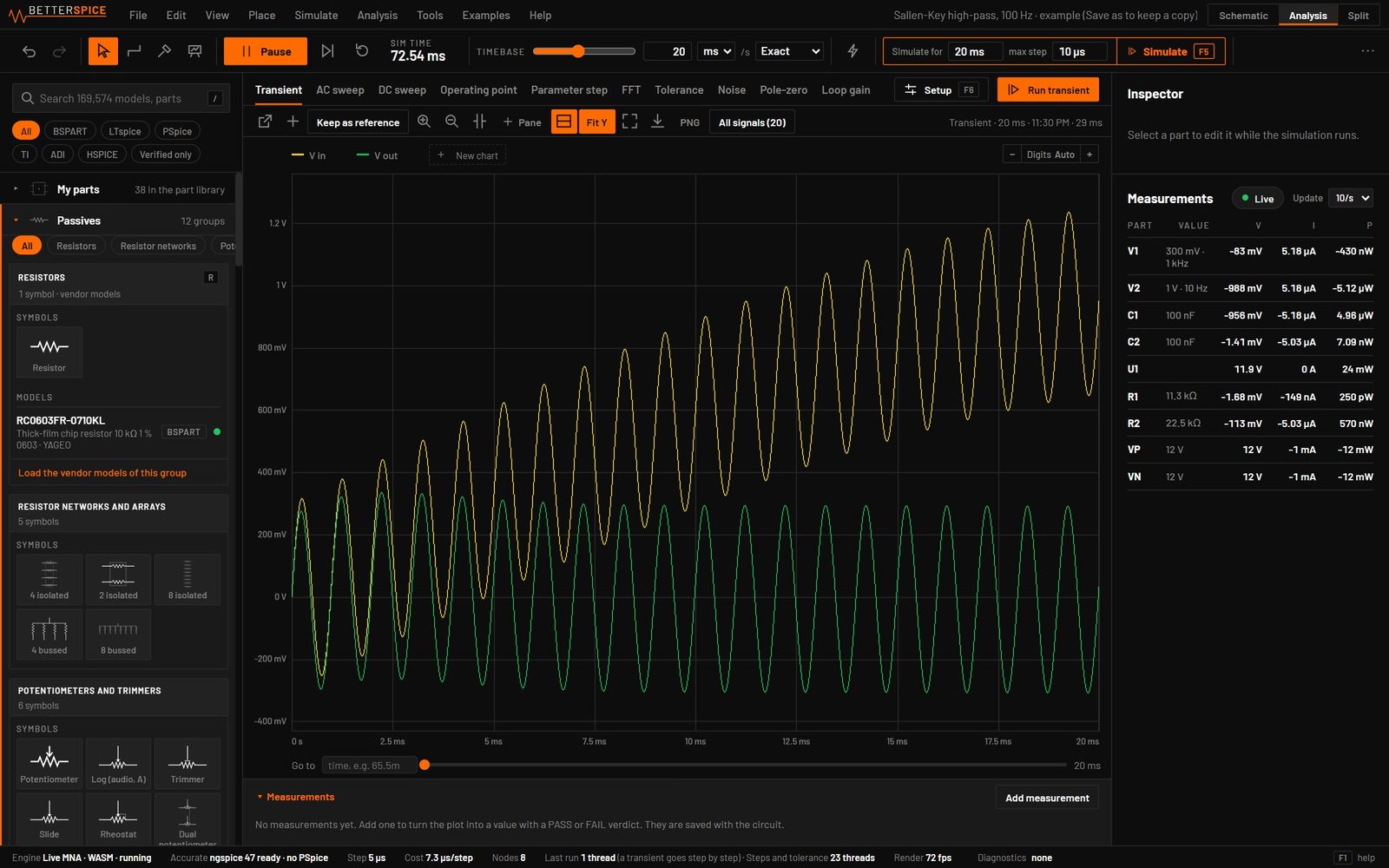
Tolerance runs vary each part inside its tolerance (by default resistors 1 %, capacitors 10 %, inductors 20 %) and report the yield against the limits you type, with each part's share of the spread. Named measurements such as rise time, overshoot, settling, ripple and phase margin take limits and report PASS or FAIL after every run.
04Vendor models
169,574 vendor models, ready to assign
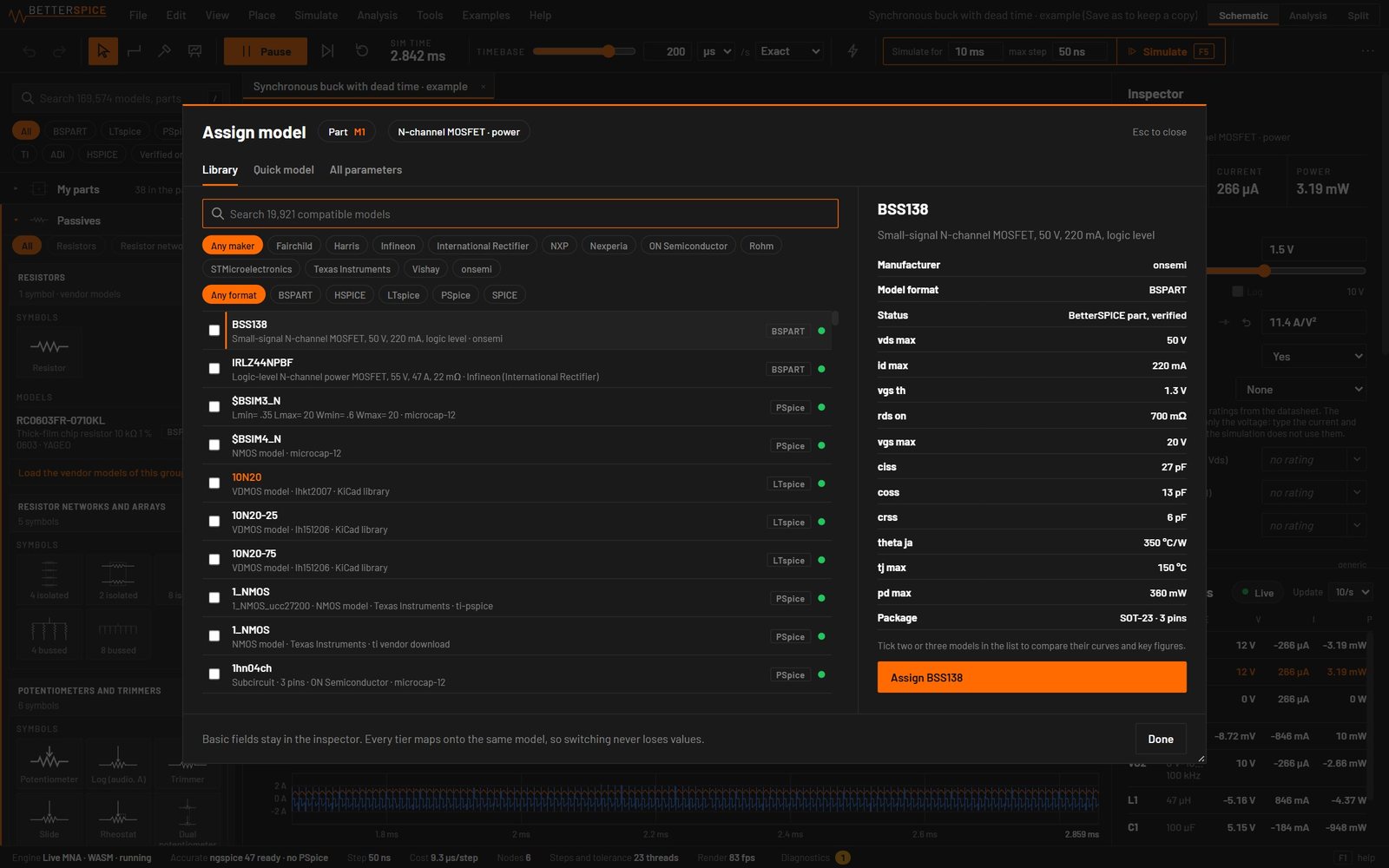
Search the catalog from the library panel and assign a model with its parameters in view.
The catalog covers Texas Instruments, Analog Devices, Infineon, Vishay, Murata, Würth Elektronik, Rohm, NXP and more than 60 other makers. The models run in ngspice 47, and LTspice, PSpice and HSPICE dialects are converted on the way in.
Gain-bandwidth, slew rate, dropout and Rds(on) show in the inspector. Each figure says where it came from: measured on the model, fitted, read from the model card or taken from the datasheet.
For a part that isn't in the catalog, the Part Wizard covers 132 part types with 1,310 fields. Its Curves step takes a datasheet graph as a pasted table or a digitized image and fits the model to the points.
- Full package: 207,849 files, about 3 GB
- Library can be added later
05Part types
446 part types, drawn as they are in the app
Every symbol here is the one BetterSPICE puts on the schematic, grouped the way the parts library groups them. Orange marks the pins. Where a part type has vendor models in the catalog, the tile gives the count.
Passives36 part types
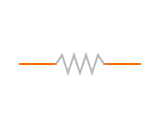 Resistor
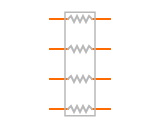 Resistor array, 4 isolated
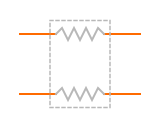 Resistor array, 2 isolated
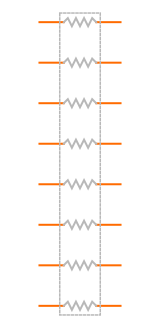 Resistor array, 8 isolated
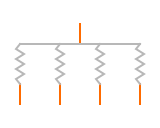 Resistor network, 4 bussed
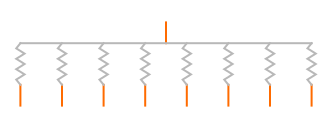 Resistor network, 8 bussed
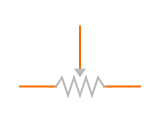 PotentiometerLog (audio, A), Slide
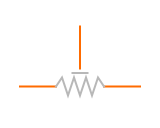 Trimmer potentiometer
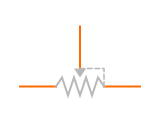 Rheostat
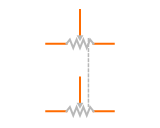 Dual potentiometer
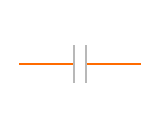 CapacitorCeramic (MLCC), Film, Safety X, Safety Y
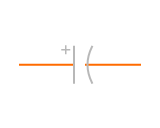 Electrolytic capacitorTantalum, Polymer
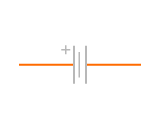 Supercapacitor
 Trimmer capacitor
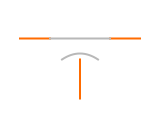 Feed-through capacitor
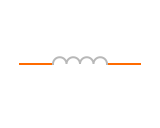 InductorRF
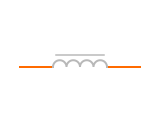 Power inductor
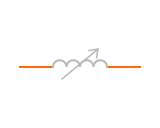 Adjustable inductor
 Ferrite bead
 Common-mode choke
 Wire (length, gauge)
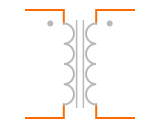 Transformer
 Transformer, centre-tapped secondary
 Transformer, centre-tapped primary
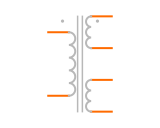 Transformer, two secondaries
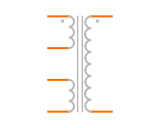 Flyback transformer, 3 winding
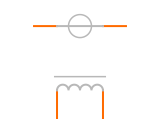 Current transformer
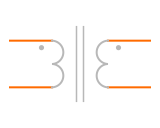 Transformer, windings and taps
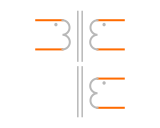 Flyback transformer
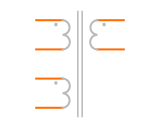 Forward transformer, reset winding
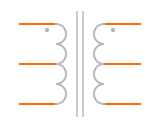 Push-pull transformer, centre-tapped
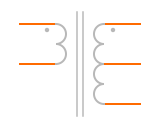 Half-bridge transformer
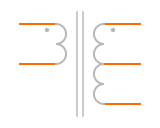 Full-bridge transformer
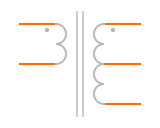 Centre-tapped output
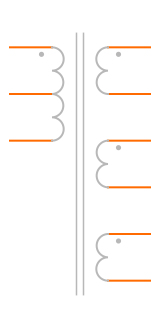 Multi-output transformer
 Tapped inductor
Sources29 part types
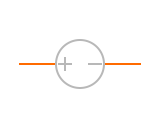 DC voltage
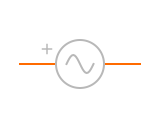 Sine voltage
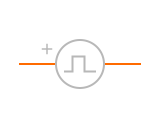 Pulse / PWM voltage
 Piecewise linear voltage
 Square wave voltage
 Function generator, square
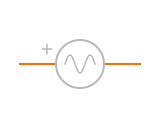 Function generator, sine
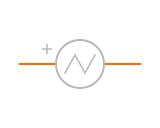 Function generator, triangle
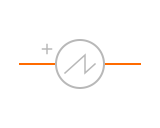 Function generator, sawtooth
 Current generator, square
 Current generator, sine
 Current generator, triangle
 Current generator, sawtooth
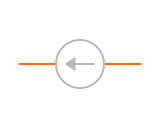 DC current
 Sine current
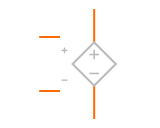 VCVS (E)
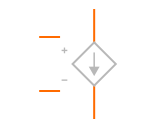 VCCS (G)
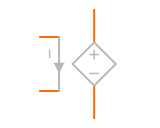 CCVS (H)
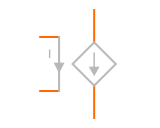 CCCS (F)
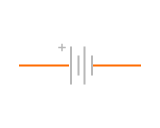 BatteryLi-ion 3.7 V, LiFePO4 3.2 V, NiMH 1.2 V, Alkaline 1.5 V, Coin CR2032 3 V, Lead-acid 2 V/cell
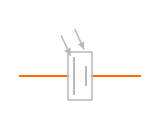 Solar cell
 Power flag
 Rail +5 V
 Rail +3.3 V
 Rail +12 V
 Rail -12 V
 Rail -5 V
 Ground
 Isolated ground
Diodes and thyristors15 part types · 22,394 vendor models
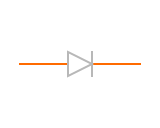 Rectifier diodeFast recovery8,333 vendor models (rectifier and signal)
 Signal diode
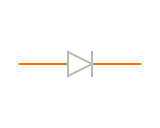 Switching diode
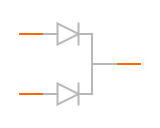 Dual diode, common cathode
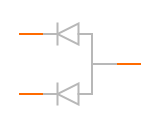 Dual diode, common anode
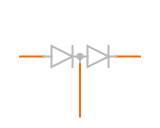 Dual diode, series
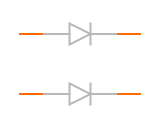 Dual diode, isolated
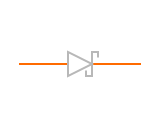 Schottky diode3,439 vendor models
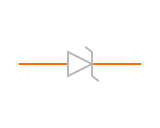 Zener diode10,622 vendor models (with TVS and ESD)
 Varactor diode
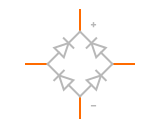 Bridge rectifier
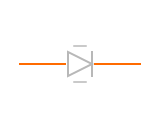 Current-regulating diode
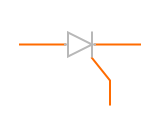 SCR (thyristor)
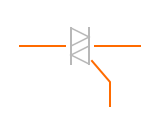 TRIAC
 DIACSIDAC
Transistors17 part types · 38,019 vendor models
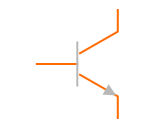 NPN transistor7,336 vendor models
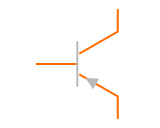 PNP transistor4,904 vendor models
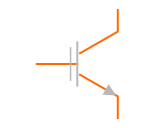 NPN Darlington
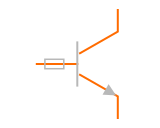 Pre-biased NPN
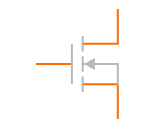 N-channel MOSFET19,919 vendor models
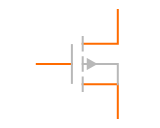 P-channel MOSFET4,540 vendor models
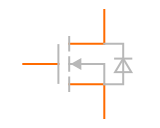 Power N-MOSFET with body diode
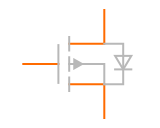 Power P-MOSFET with body diode
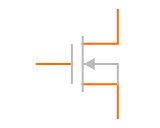 N-channel depletion MOSFET
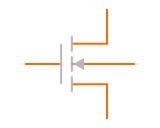 N-channel MOSFET, 4 pin
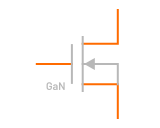 GaN FET
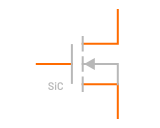 SiC MOSFET
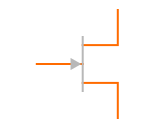 N-channel JFET1,320 vendor models (N and P)
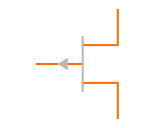 P-channel JFET
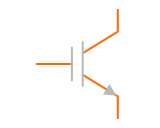 IGBT
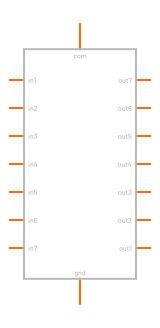 ULN2003 Darlington array
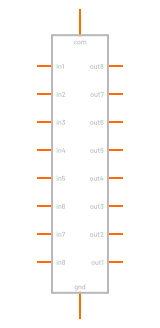 ULN2803 Darlington array
Analog ICs17 part types · 7,097 vendor models
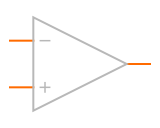 Op-amp, ideal 3 pin
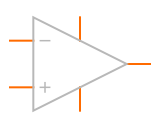 Op-amp, 5 pin6,278 vendor models
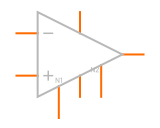 Op-amp, 8 pin with offset null
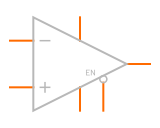 Op-amp with shutdown
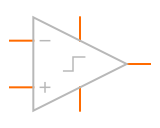 Comparator487 vendor models
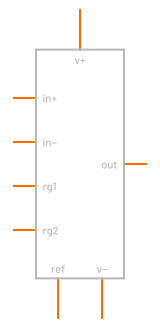 Instrumentation amp, gain set by Rg
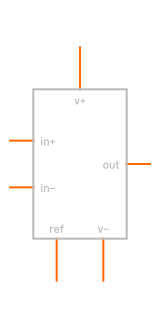 Instrumentation amp, fixed gain
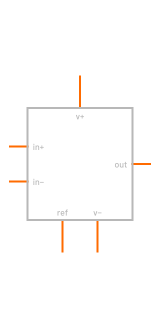 Difference amp
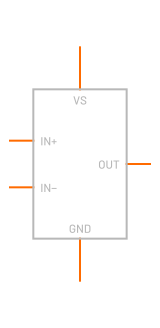 Current-sense amp, unidirectional
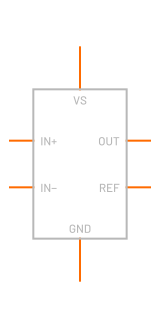 Current-sense amp, bidirectional
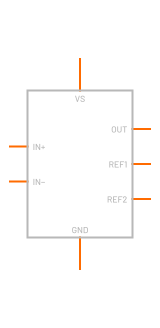 Current-sense amp, high side
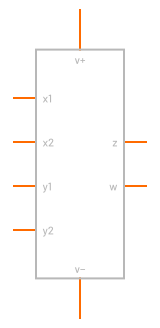 Analog multiplier
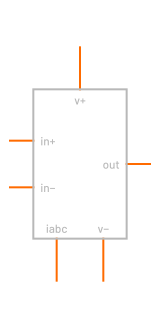 OTA
 Voltage reference332 vendor models
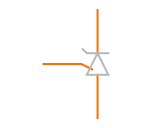 Shunt reference (TL431)
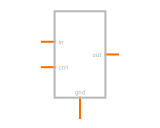 Sample and hold
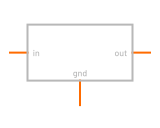 Digital filter
Power management47 part types · 1,992 vendor models
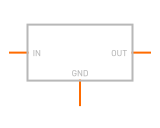 LDO, fast block
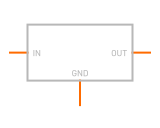 Buck, fast block
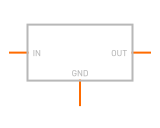 Boost, fast block
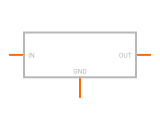 Buck-boost, fast block
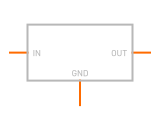 Charge pump, fast block
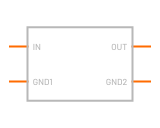 Isolated DC/DC, fast block
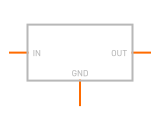 Reference, fast block
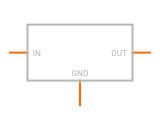 LDO, fixed 3 pin1,992 vendor models (LDO and DC/DC)
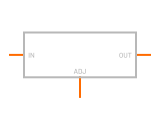 LDO, adjustable 3 pin
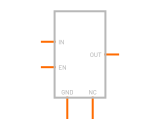 LDO with enable
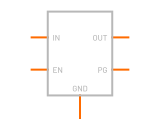 LDO with enable and power-good
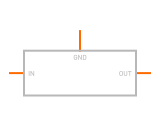 Negative regulator (79xx)
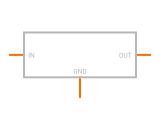 AMS1117 (SOT-223)
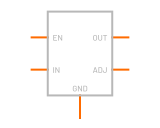 LDO, adjustable 5 pin
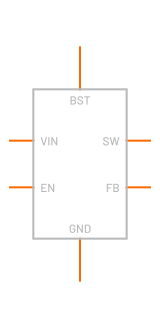 Buck converter, asyncAveraged (fast) model
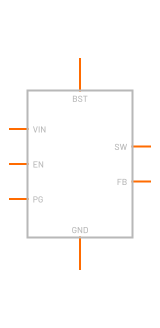 Buck converter, synchronous
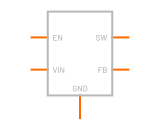 Boost converter (MT3608)
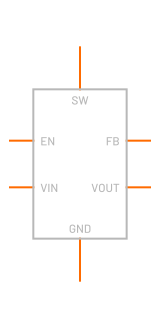 Boost converter, synchronous
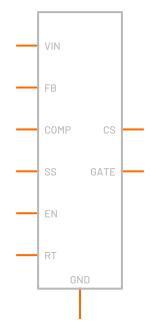 PWM controller, voltage mode
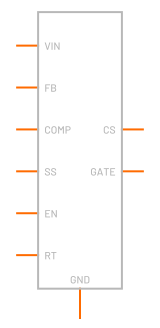 PWM controller, current mode
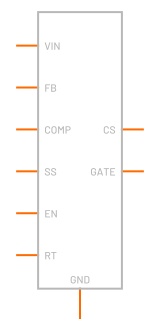 Hysteretic controller
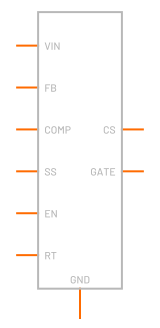 Constant on-time controller
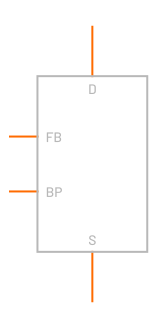 Off-line buck
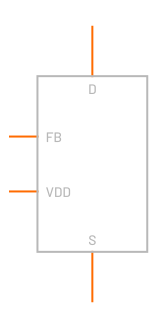 Off-line flyback
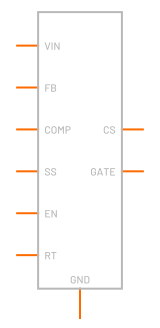 Quasi-resonant controller
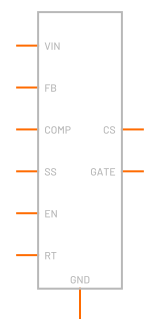 LLC controller
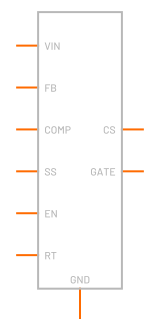 PFC controller
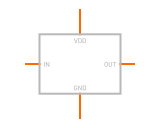 Gate driver, low side
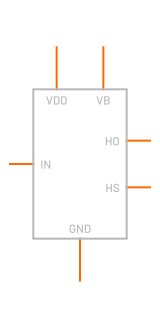 Gate driver, bootstrap
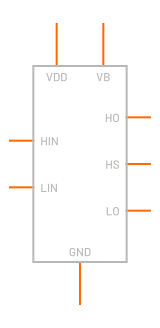 Half-bridge driver
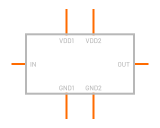 Gate driver, isolated
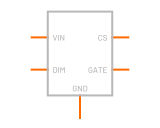 LED driverBuck, boost
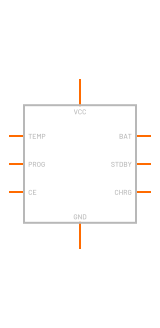 TP4056 charger
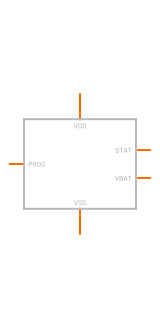 MCP73831 charger
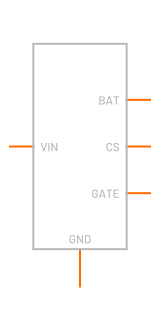 Charge controllerCC/CV, float
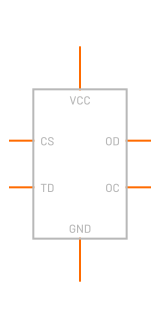 Battery protection IC
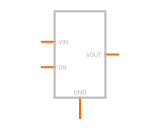 Load switch
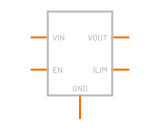 eFuse
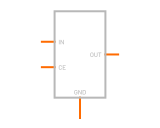 Ideal diode
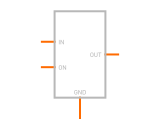 High-side switch
 SupervisorReset, undervoltage, window
 UVLO block
 Soft-start
 Current limit
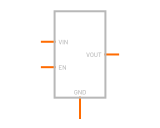 DC/DC module
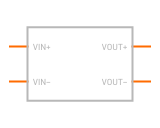 Isolated DC/DC module
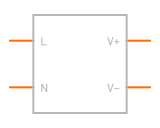 AC/DC module
Electromechanical36 part types
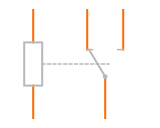 Relay, SPDT
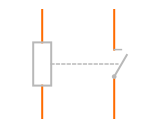 Relay, SPST-NO
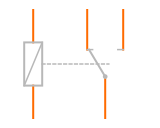 Latching relay, single coil
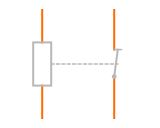 Relay, SPST-NC
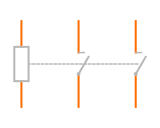 Relay, DPST-NO
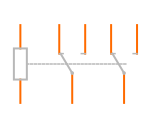 Relay, DPDT
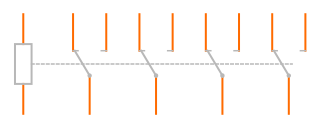 Relay, 4PDT
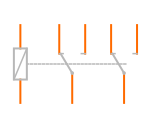 Latching relay, single coil DPDT
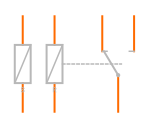 Latching relay, dual coil
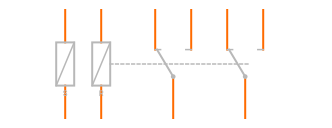 Latching relay, dual coil DPDT
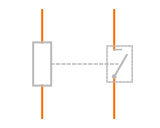 Reed relay
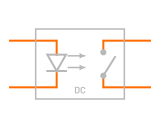 Solid-state relay, DC
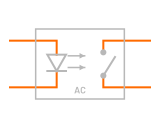 Solid-state relay, AC
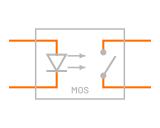 PhotoMOS relay
 Switch
 Switch, SPDTToggle, slide
 Push button, NO
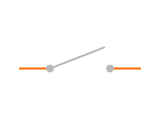 Switch, SPST
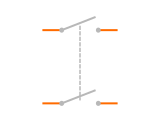 Switch, DPST
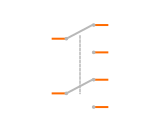 Switch, DPDT
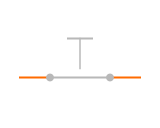 Push button, NC
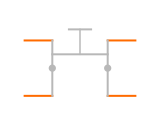 Tactile switch, 4 pin
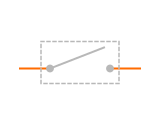 DIP switch, 1 way
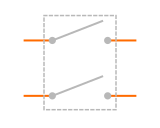 DIP switch, 2 ways
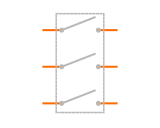 DIP switch, 3 ways
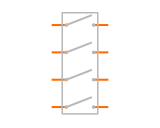 DIP switch, 4 ways
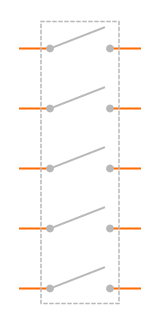 DIP switch, 5 ways
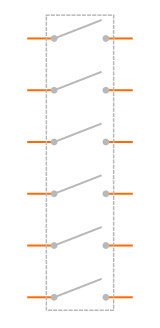 DIP switch, 6 ways
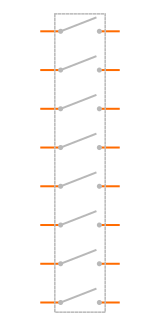 DIP switch, 8 ways
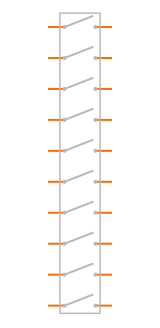 DIP switch, 10 ways
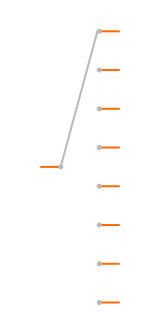 Rotary switch
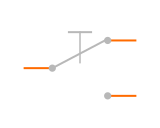 Micro / limit switch
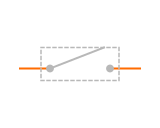 Reed switch
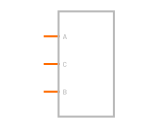 Rotary encoder
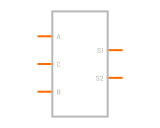 Rotary encoder with push switch
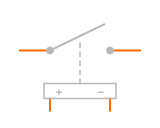 Voltage-controlled switch
Protection16 part types
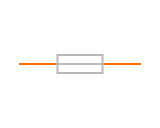 FuseFast, slow (time-lag)
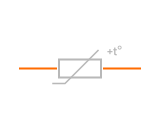 Resettable fuse (PPTC)
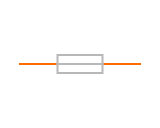 Circuit breaker
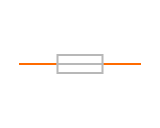 Thermal fuseThermostat
 TVS diodeUnidirectional, bidirectional
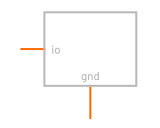 ESD array, 1 channel
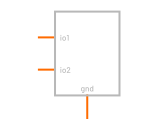 ESD array, 2 channels
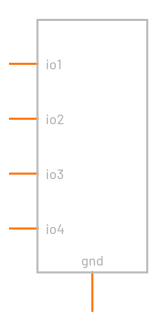 ESD array, 4 channels
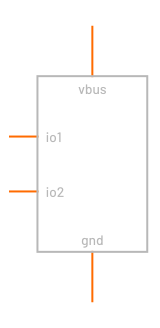 ESD array, 2 channels + VBUS
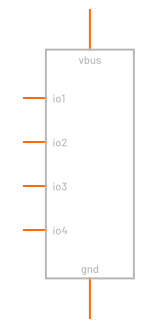 ESD array, 4 channels + VBUS
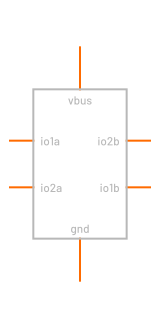 USBLC6-2 ESD array
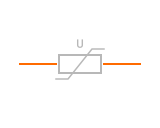 Varistor (MOV)
 Gas discharge tube, 2 electrode
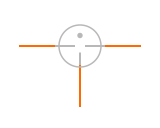 Gas discharge tube, 3 electrode
 Thyristor surge suppressor
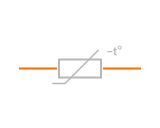 Inrush current limiter (NTC)
Optoelectronics22 part types · 1,383 vendor models
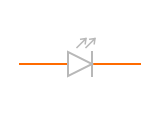 LED1,383 vendor models
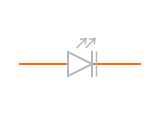 Laser diode
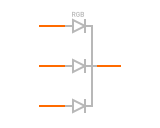 RGB LED, common cathode
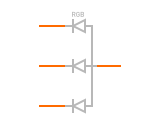 RGB LED, common anode
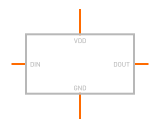 WS2812B addressable LEDSK6812 RGBW
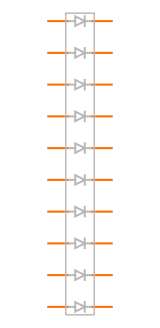 LED bar graph, 10
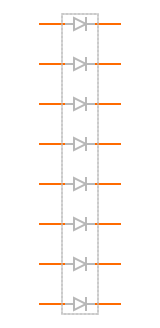 LED bar graph, 8
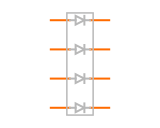 LED bar graph, 4
 Incandescent lamp
 Neon lamp
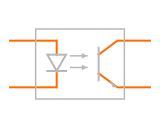 Optocoupler, transistor out
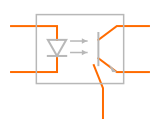 Optocoupler, transistor with base
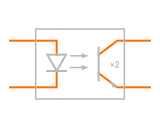 Optocoupler, Darlington out
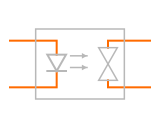 Optocoupler, triac out
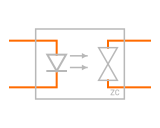 Optocoupler, zero-cross triac
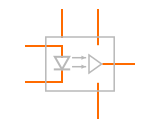 Optocoupler, logic out (6N137)
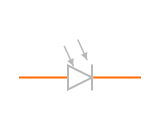 PhotodiodePIN, IR, UV
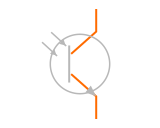 Phototransistor, 2 pin
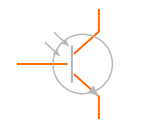 Phototransistor with base
 Photo-interrupter
 Reflective sensor
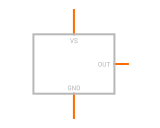 IR receiver module
Sensors23 part types
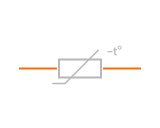 NTC thermistor
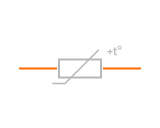 PTC thermistorCeramic, silicon (KTY)
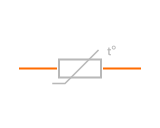 RTDPt100, Pt1000
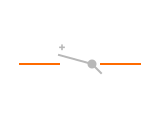 Thermocouple, type K
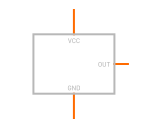 Temperature sensor IC
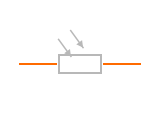 Photoresistor (LDR)
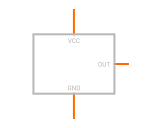 Ambient light sensor
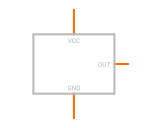 Hall switchUnipolar, bipolar latch, omnipolar
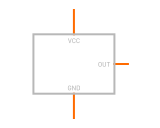 Hall sensor, linear
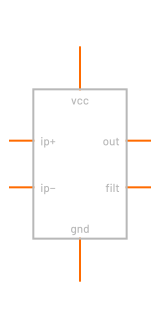 Hall current sensor
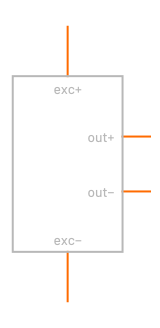 Load cellPressure bridge
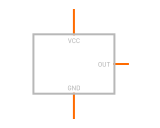 Pressure sensor
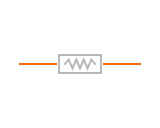 Strain gauge
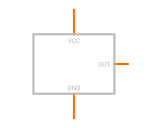 Accelerometer axis
 Humidity sensor
 Gas sensor MQ-2
 Gas sensor MQ-135
 Gas sensor MQ-7
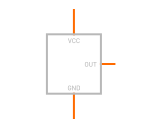 PIR motion module
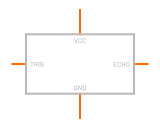 Ultrasonic ranger
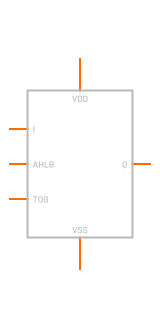 Touch sensor IC
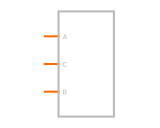 Rotary encoder
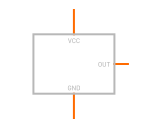 Generic analog sensor
Logic and digital58 part types · 3,173 vendor models
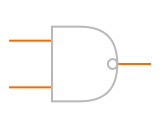 NAND gate3,173 vendor models (all logic)
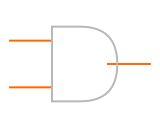 AND gate
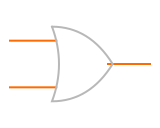 OR gate
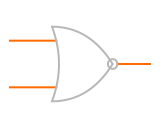 NOR gate
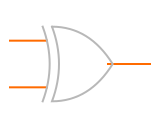 XOR gate
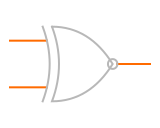 XNOR gate
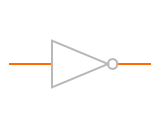 Inverter
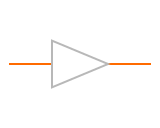 Buffer
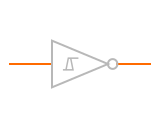 Schmitt-trigger inverter
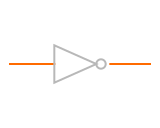 NOT gate
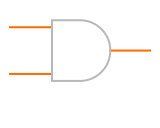 AND gate, 2 input
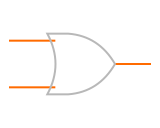 OR gate, 2 input
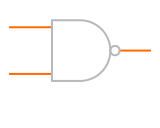 NAND gate, 2 input
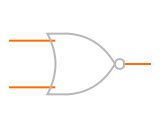 NOR gate, 2 input
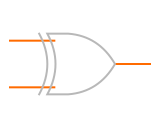 XOR gate, 2 input
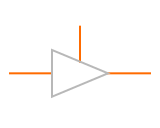 Tri-state buffer
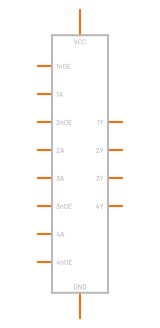 74x125
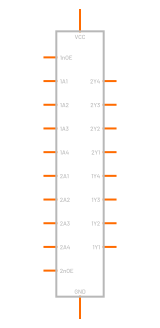 74x244
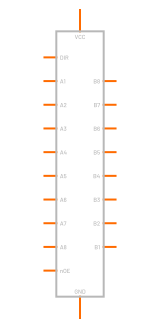 74x245
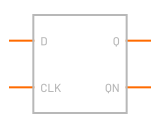 D flip-flop
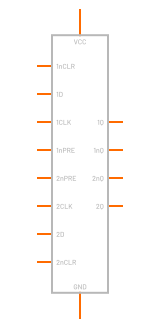 74x74
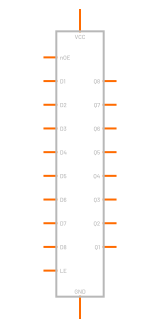 74x573
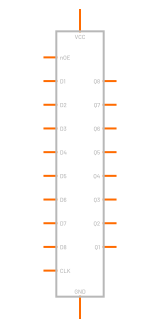 74x574
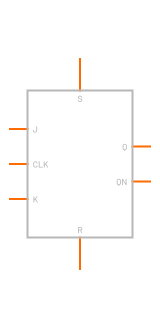 JK flip-flop
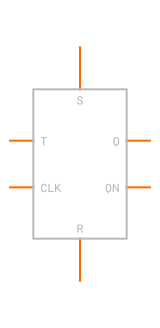 T flip-flop
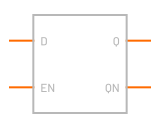 D latch
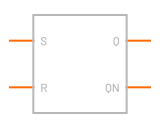 SR latch
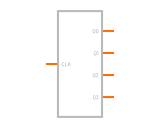 4-bit counter
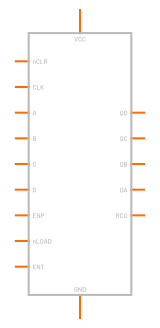 74x161
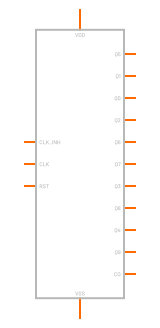 4017
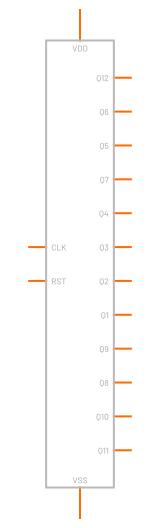 4040
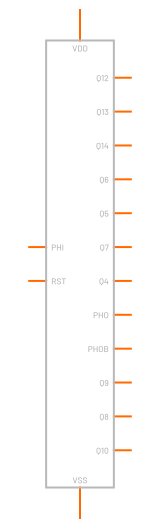 4060
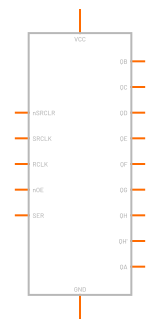 74x595
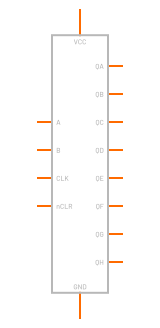 74x164
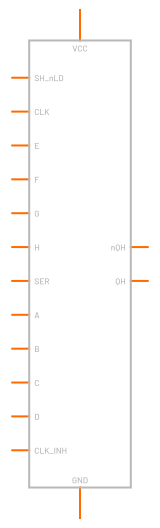 74x165
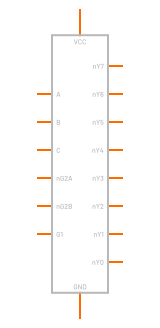 74x138
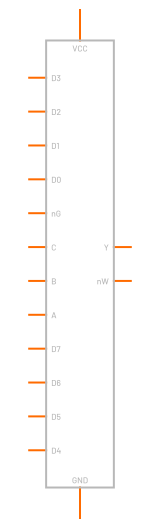 74x151
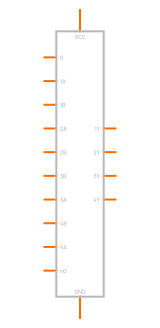 74x157
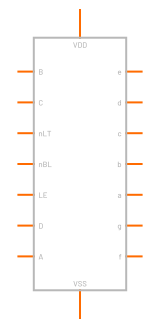 4511
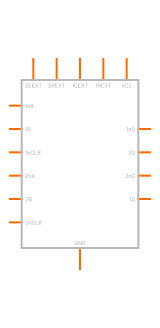 74x123
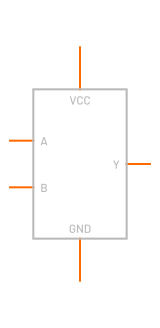 1G00
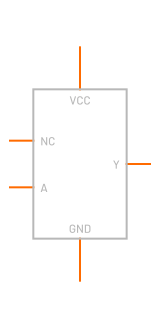 1G04
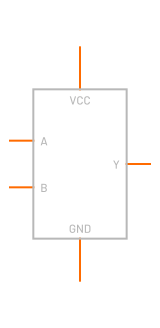 1G08
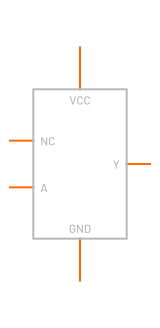 1G14
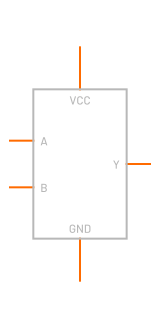 1G32
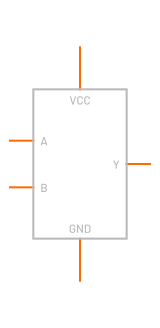 1G86
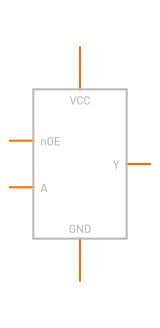 1G125
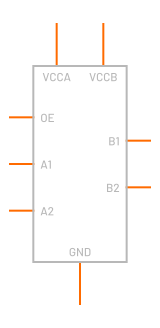 Level translator, auto-direction
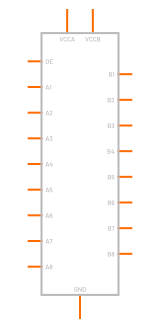 TXS0108 level translator
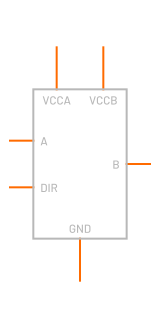 SN74LVC1T45 translator
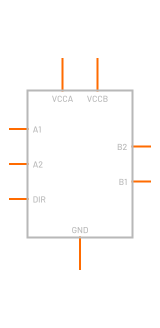 SN74LVC2T45 translator
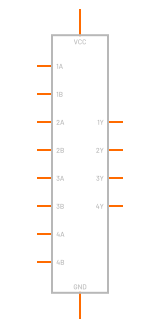 74x00
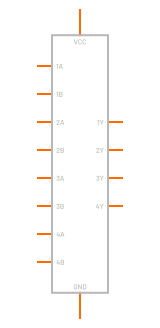 74x02
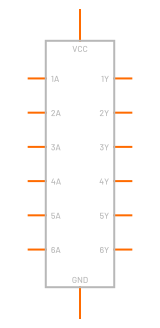 74x04
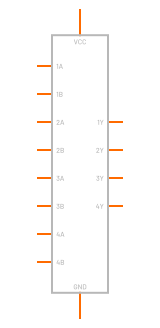 74x08
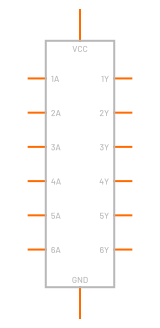 74x14
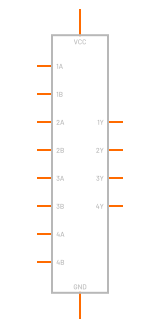 74x32
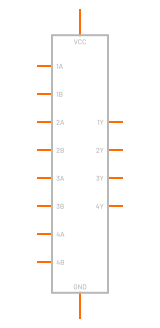 74x86
Interface20 part types
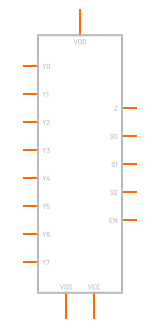 8:1 analog mux (4051)
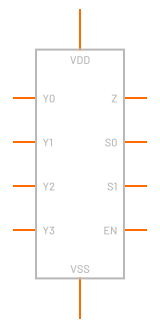 4:1 analog mux
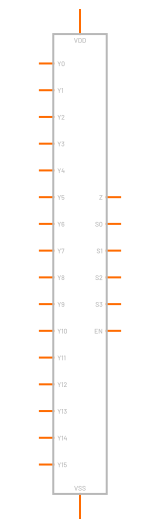 16:1 analog mux (4067)
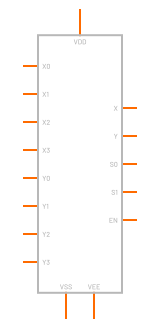 Dual 4:1 analog mux (4052)
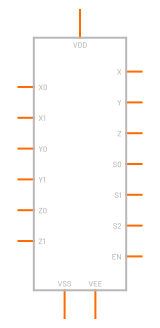 Triple 2:1 analog mux (4053)
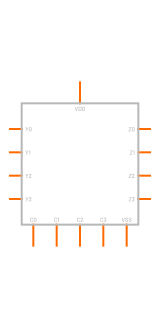 Quad analog switch (4066)
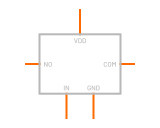 Analog switch, SPST
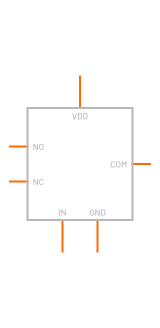 Analog switch, SPDT
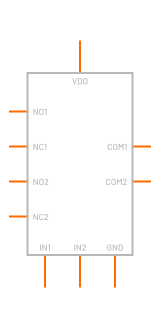 Analog switch, dual SPDT
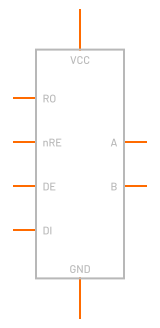 RS-485 transceiver
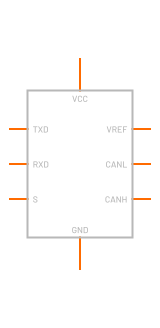 CAN transceiver, 5 V (TJA1050)
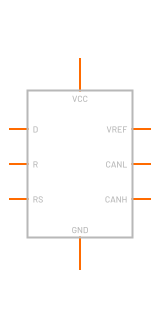 CAN transceiver, 3.3 V
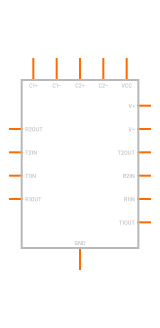 MAX232 RS-232 transceiver
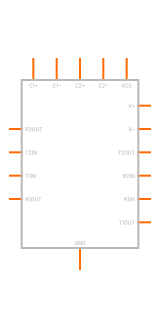 MAX3232 RS-232 transceiver
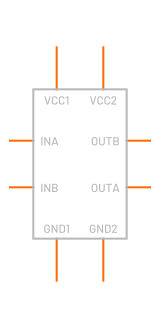 Digital isolator, 2 channel
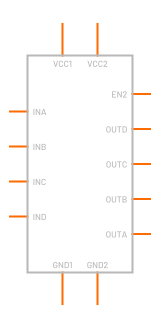 Digital isolator, 4 channel
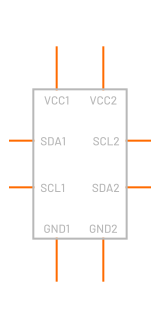 I2C isolator
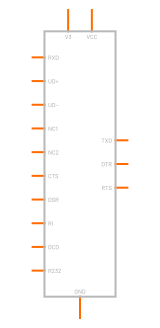 USB-UART bridge (CH340C)
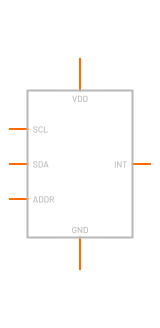 I2C device
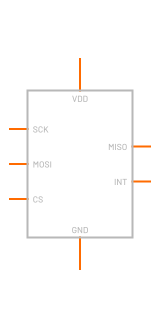 SPI device
Timing14 part types · 53 vendor models
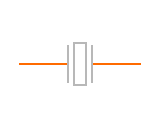 Crystal, 2 pin
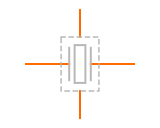 Crystal, 4 pin
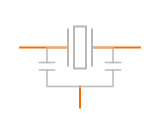 Ceramic resonator, 3 pin
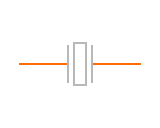 Ceramic resonator, 2 pin
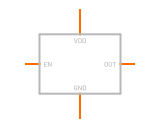 Crystal oscillator (XO)
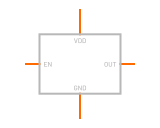 TCXO
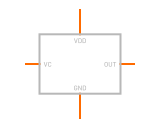 VCXO
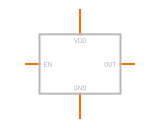 MEMS oscillator
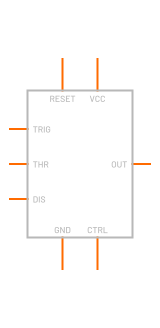 555 timer53 vendor models
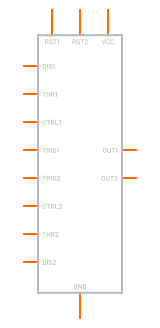 556 dual timer
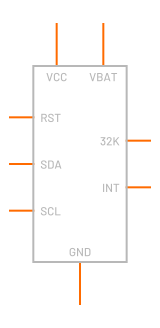 Real-time clock (DS3231)
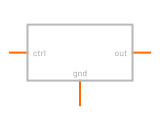 VCO
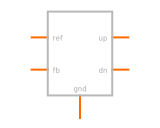 Phase detector
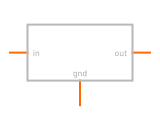 Divider ÷N
Mixed-signal10 part types
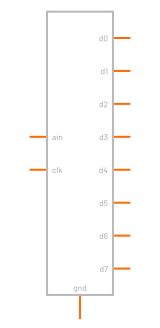 ADC
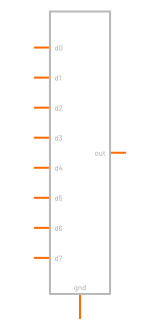 DAC
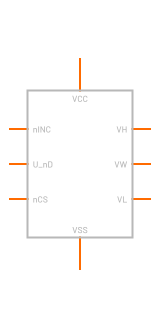 Digital pot, up/down (X9C)
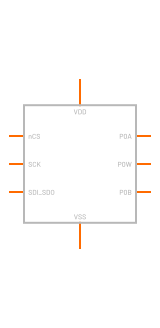 Digital pot, SPI (MCP41xx)
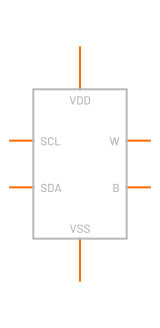 Digital pot, I2C
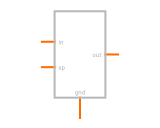 PID
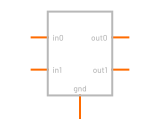 State machine
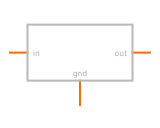 Lookup table
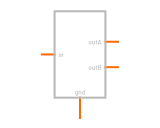 Dead time
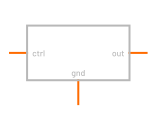 PWM generator
Microcontrollers and programmable8 part types
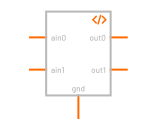 Controller (code)
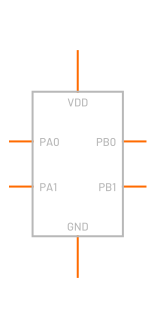 Microcontroller, generic pinout
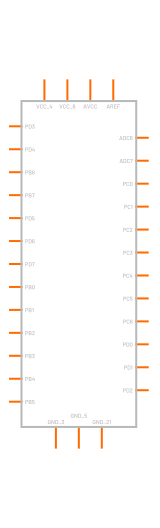 ATmega328P
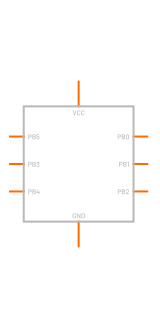 ATtiny85 (DIP-8)
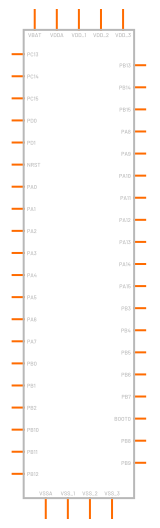 STM32F103C8
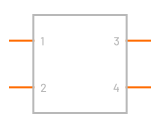 Subcircuit / IC
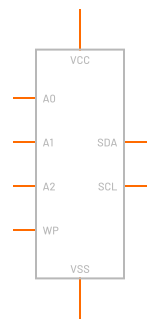 I2C EEPROM
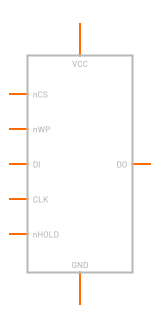 SPI flash
Connectors and mechanical24 part types
 Header, 1 row
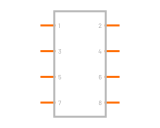 Header, 2 rows
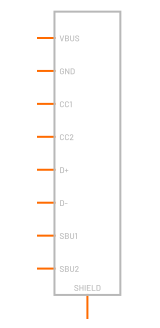 USB-C
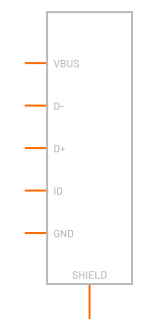 Micro-USB
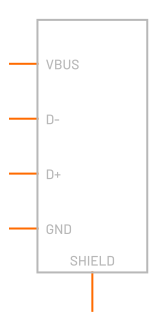 USB-A
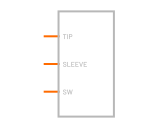 DC barrel jack
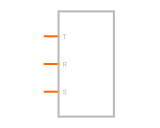 Audio jack, TRS
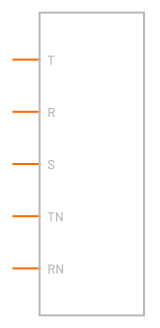 Audio jack with switches
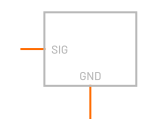 SMA / U.FL connector
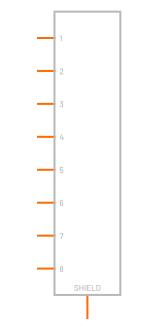 RJ45 jack
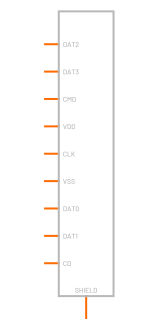 microSD socket
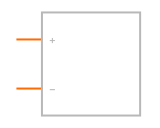 Battery holder
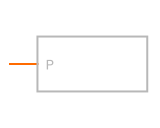 Banana / test jack
 Solder jumper, open
 Solder jumper, closed
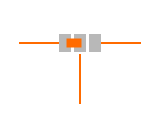 Solder jumper, 3 pad
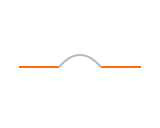 0 Ω link
 Net tie, 2 pads
 Net tie, 3 pads
 Test point, pad
 Test point, loop
 Mounting hole, plated
 Mounting hole, non-plated
 FiducialGlobal, local
RF7 part types
 Monopole antenna
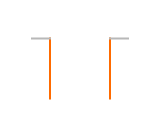 Dipole antenna
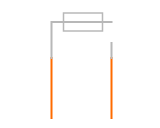 Chip antennaPCB antenna
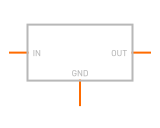 SAW filter
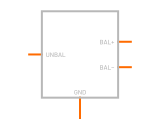 Balun1:1, 1:2, 1:4
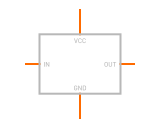 RF amplifier
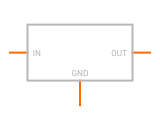 RF attenuator
Transmission lines12 part types
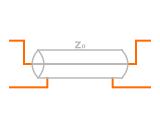 Ideal transmission line
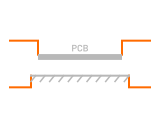 PCB trace, microstrip
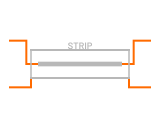 PCB trace, stripline
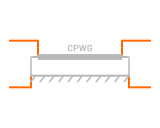 PCB coplanar waveguide
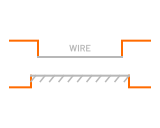 Wire over ground
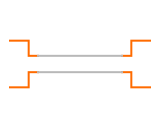 Wire pair
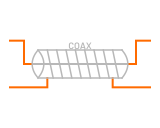 Coax cable
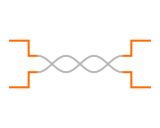 Twisted pair
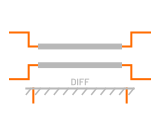 Differential pair, microstripIdeal coupled pair
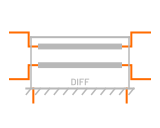 Differential pair, stripline
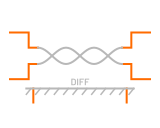 Twisted pair over ground
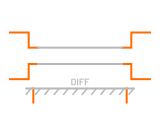 Parallel wires over ground
Audio9 part types
 Buzzer, passiveMagnetic, piezo
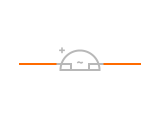 Active buzzerMagnetic, piezo
 Speaker
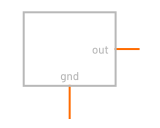 Electret microphone
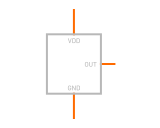 MEMS microphone, analog
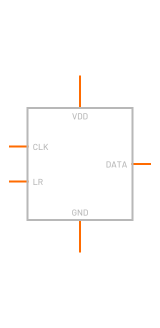 MEMS microphone, PDM
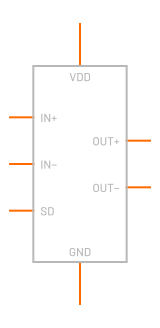 Audio amp, bridge-tied
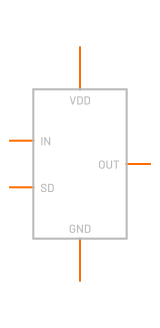 Audio amp, single-ended
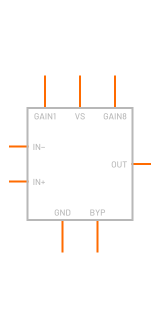 LM386 audio amp
Motors and actuators14 part types
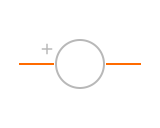 DC motorBrushed, fan, vibration, gear
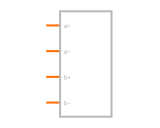 Stepper, bipolar (4 wire)
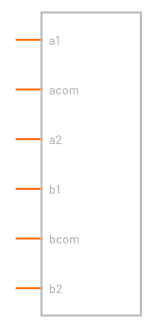 Stepper, unipolar (6 wire)
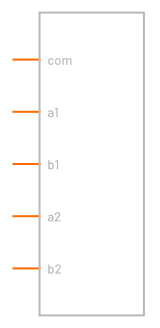 Stepper, unipolar (5 wire)
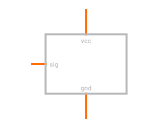 RC servoAnalog, digital, continuous rotation
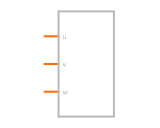 BLDC motor, sensorless
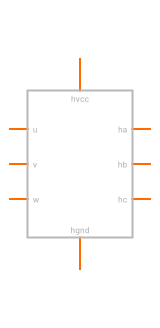 BLDC motor with Hall sensors
 SolenoidPull, push, valve, lock
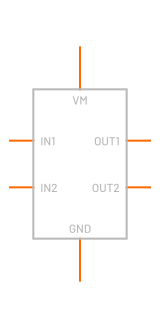 H-bridgePWM + DIR, IN1 / IN2
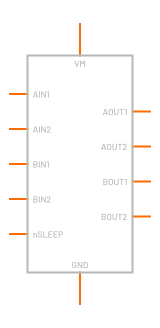 Dual H-bridge, IN / IN
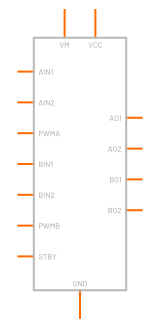 Dual H-bridge (TB6612)
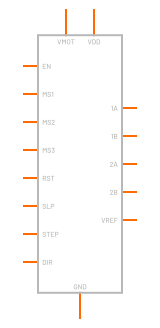 A4988 stepper driver
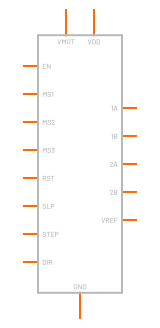 DRV8825 stepper driver
 Peltier (TEC)
Displays8 part types
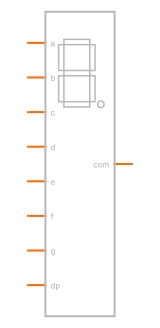 7-segment displayCommon cathode, common anode
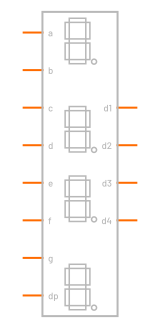 4-digit 7-segmentCommon cathode, common anode
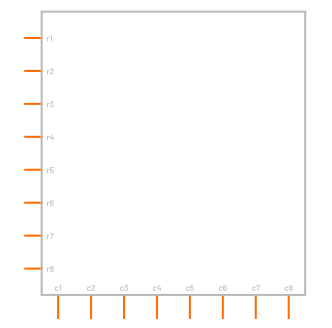 LED dot matrixRow anode, row cathode
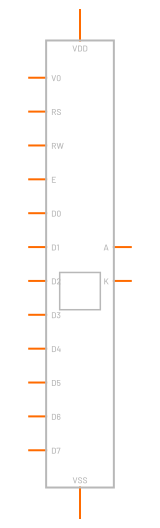 Character LCD (HD44780)
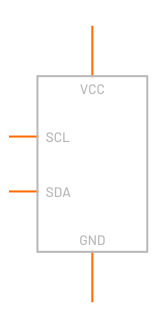 OLED, I2C
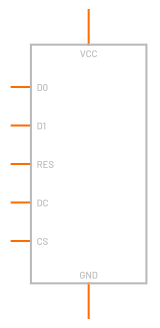 OLED, SPI
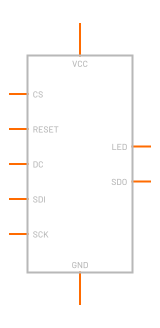 TFT, SPI
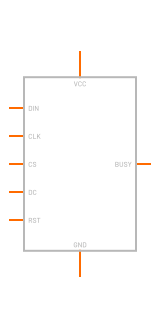 E-paper
Measurement4 part types
 Voltage probe
 Current probe
 Differential probe
 Net label
Counts are vendor models per catalog kind. A kind that feeds several groups is counted once, on its main part: diode models cover rectifier and signal diodes, zener models include TVS and ESD diodes, regulator models cover LDOs and DC/DC converters. Another 95,440 vendor subcircuits (capacitors, inductors, ferrite beads, transformers, thermistors, crystals and ICs the indexer could not place) are filed by part number in the library and are not counted on a tile.
06Microcontrollers
Your program runs inside the circuit
The mcu part runs a program in BetterSPICE's own small language against real pin voltages, with GPIO, edge interrupts, ADC, DAC, PWM, timers, UART, I2C, SPI and CAN. An ADC reads the actual voltage on its pin against the actual supply, so a sagging rail shows up in your readings.
Click a line number to set a breakpoint and the whole circuit stops at that instant. The Code tab exports an Arduino sketch or an STM32 HAL file as a starting point. It does not run compiled firmware.
// VOUT goes through a 30 k / 10 k divider
pin VOUT_SENSE = PA0 analog 12bit
pin GATE       = PA8 pwm 100kHz

let target = 5.0
let kp = 0.005
let ki = 150.0
let integ = 0.35

every(50us) {
  let vout = volts(VOUT_SENSE) * 4.0
  let err = target - vout
  integ = constrain(integ + ki * err * dt, 0, 0.9)
  duty(GATE, constrain(integ + kp * err, 0, 0.9))
}
07Calculators
Work it out, then place it and run it
Press Ctrl Shift C, type "filter", "led" or "via" and press Enter.
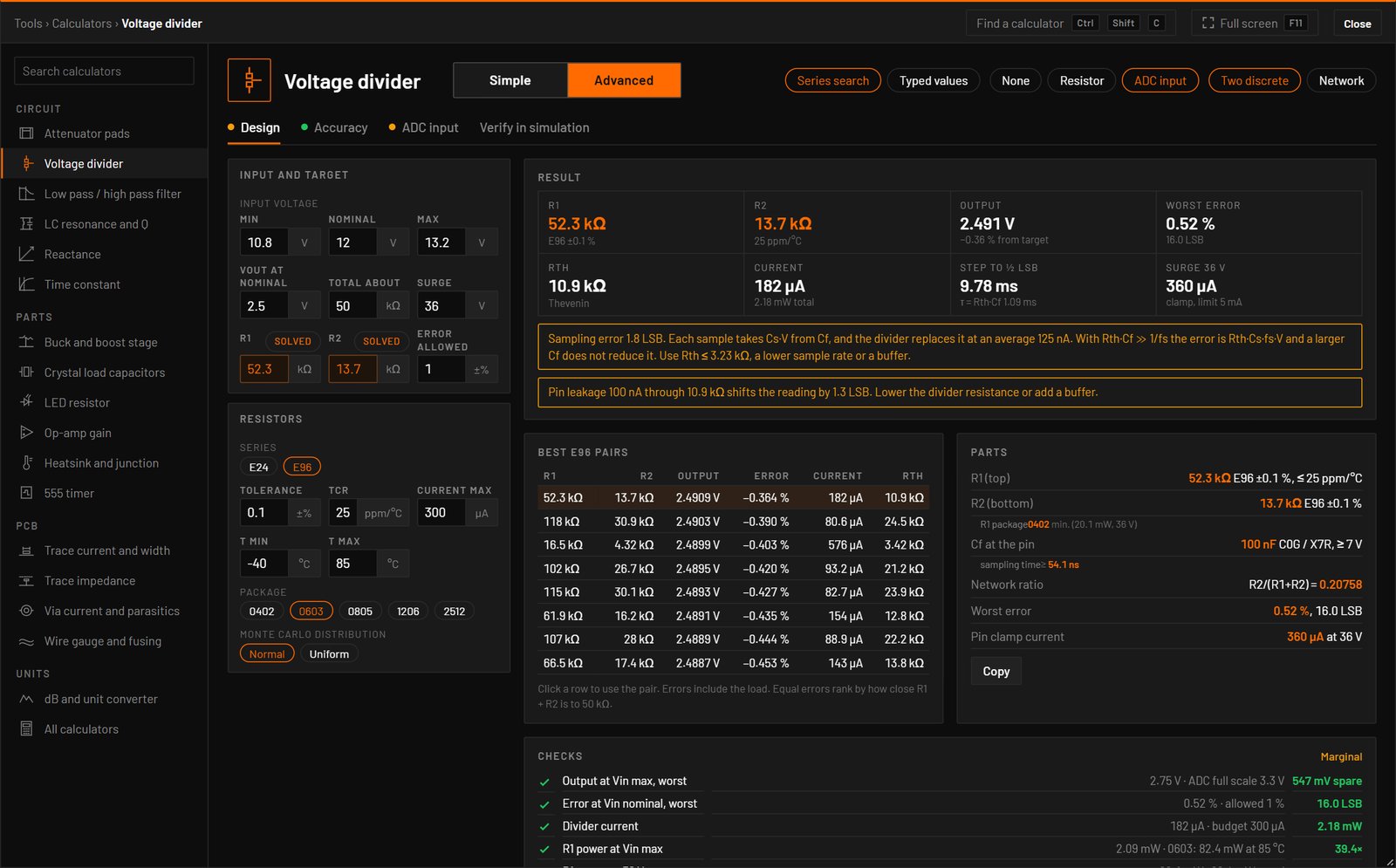
A calculator can place the circuit it worked out, drawn with library symbols, its source and probes, and run the analysis that checks the result. It can also write its values into the parts you selected. Each is one undo step.
- Voltage divider
- Low-pass and high-pass filter
- LC resonance
- Reactance
- Time constant
- Attenuator pads
- LED resistor
- Op-amp gain
- 555 timer
- Buck and boost stage
- Crystal load capacitors
- Heatsink and junction temperature
- PCB trace current and width
- Via current and parasitics
- Trace impedance
- Wire gauge and fusing
- dB and unit conversion
The PCB calculators use IPC-2221 and IPC-2152. Differential impedance is the IPC-2141A estimate, and the window says it isn't a field solver.
08Agents
An AI agent on the same schematic
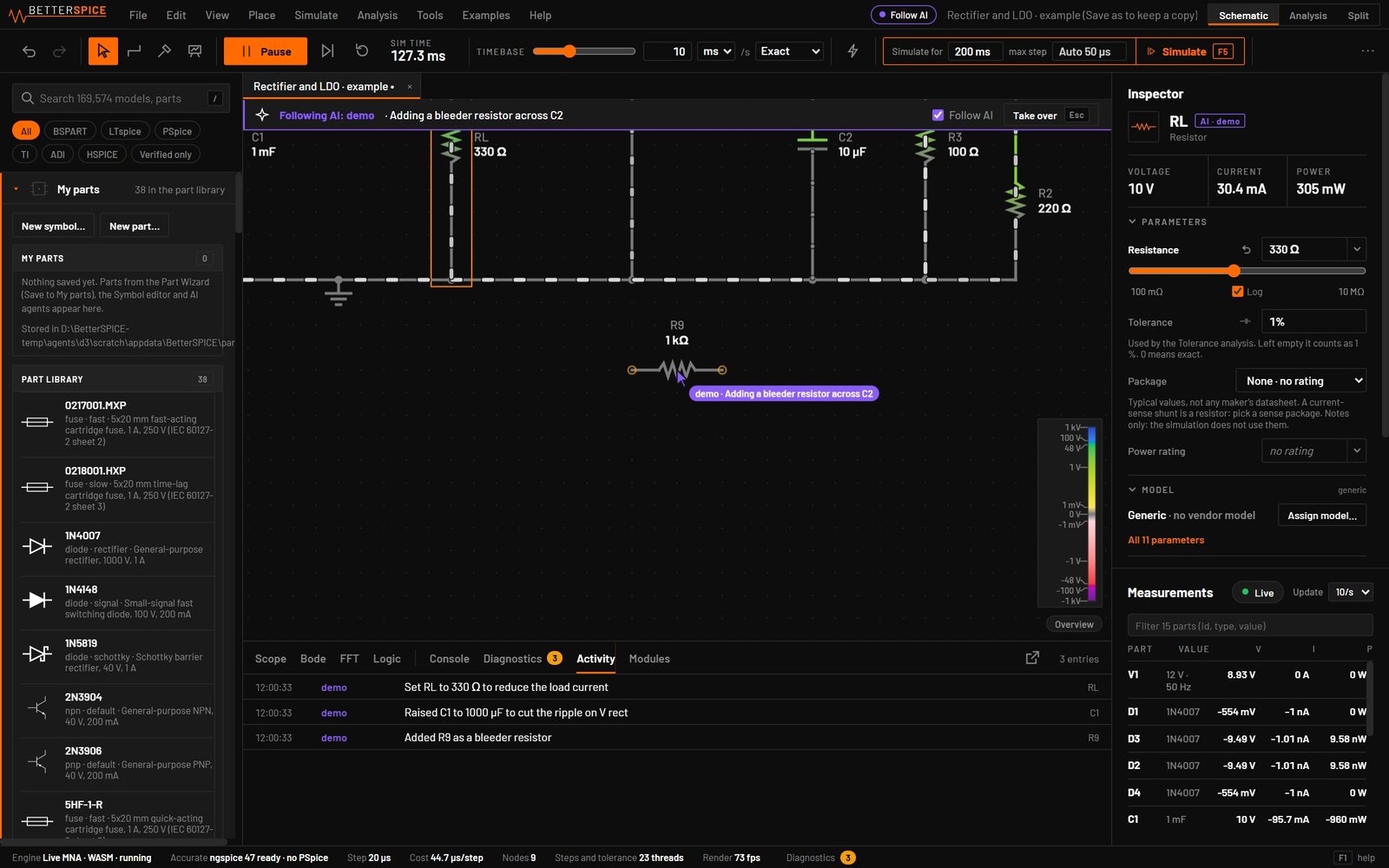
Connect Claude Code through bspice mcp, or any tool through the WebSocket API. The agent edits the circuit you have open, and you see every change as it happens.
# Claude Code, once
$ claude mcp add bspice -- bspice mcp
# then ask for a change:
# the agent edits the circuit you have open
$ bspice app add-part res --at 10,0
$ bspice app simulate tran --stop 10m
$ bspice app screenshot -o shot.png
$ bspice app help   # every command, JSON out
$ bspice validate f.bsc   # diagnostics as JSON
$ bspice tran f.bsc --stop 10m --max-step 1u --out waves.csv
$ bspice render f.bsc --png out.png
A drawing an agent makes for you follows the rules an engineer would: library symbols, real part numbers, wires between parts and no shorts. An edit that breaks a rule is refused with the fix.
A transient that wouldn't fit in memory is refused at once with E_MEMORY and the ways out, and --timeout stops a run in time.
09Import and share
Open the schematics you already have
KiCad 6 to 10, EasyEDA Pro and LTspice .asc come in through File > Import, or by dropping the file on the window.
An LTspice schematic brings its parts, wiring, symbols and the SPICE models it names. On LTspice's 61 example schematics the imported connections match LTspice's own netlists.
File > Share link puts the circuit into a web address. Whoever opens it sees the circuit running in a browser viewer with the scope and sliders, and nothing is uploaded. Export interactive HTML writes the viewer, the engine and the circuit into one file of about 6 MB. Try the viewer with twelve example circuits.
File > Generate report writes one HTML page with the schematic, the parts against their ratings, every analysis you ran and the diagnostics.
715
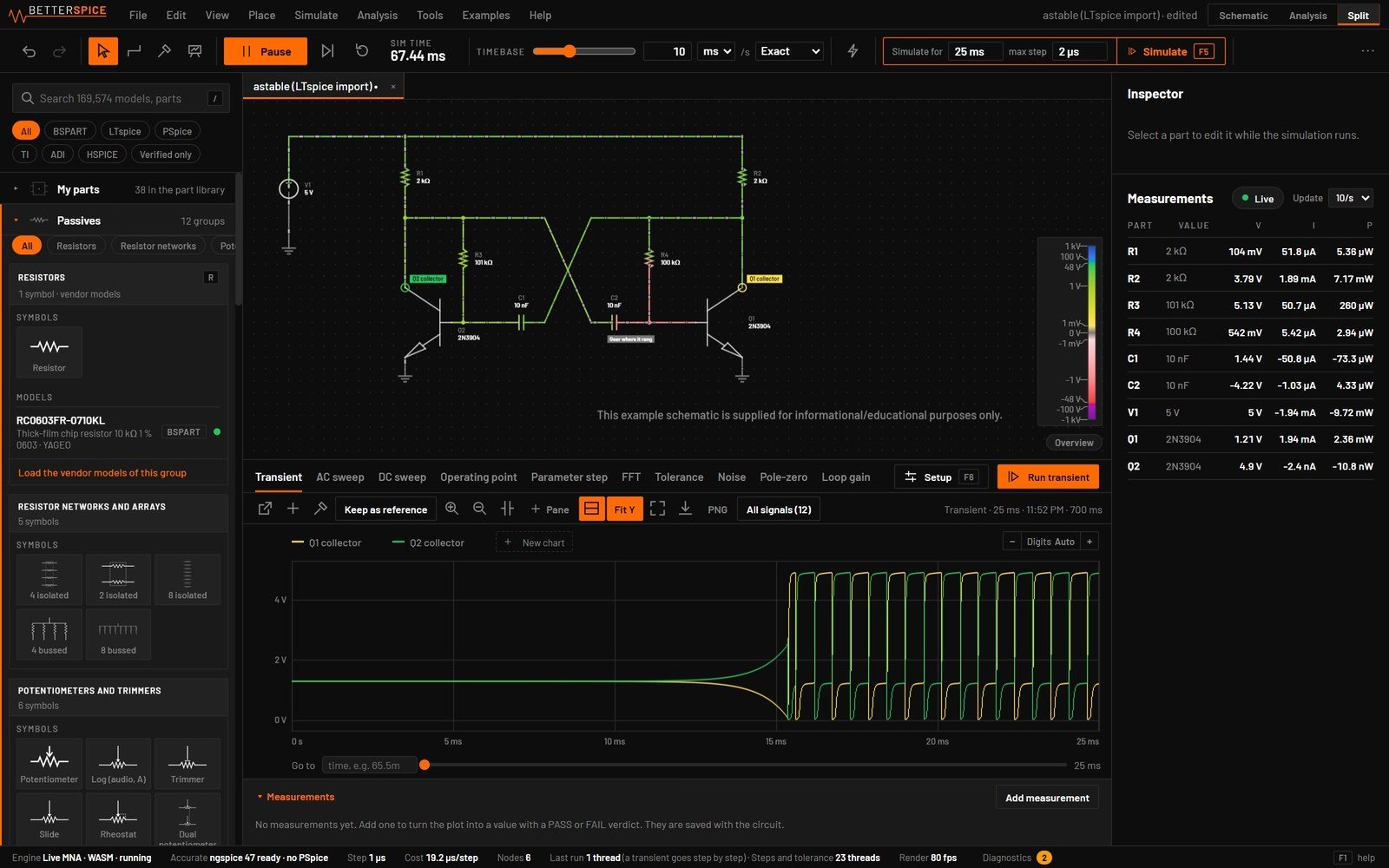
example circuits. Press E.
40
categories, from a voltage divider to PLLs, motor drives and gate-level logic.
50
circuits that are usually built wrong, with the right way and the common mistake side by side.
8
regulators built on real vendor chips.
10Beta
Join the beta
Send an email with your GitHub username and a line on what you design. We'll add you to the private GitHub repository, where you can build BetterSPICE from source or use the installers for Windows, macOS and Linux.
Who built it

Arwid Vasilev
Main designer
Full stack hardware engineer. Hardware development, testing, microcontroller firmware, software, board bring-up, assembly and everything in between.
Connect on LinkedIn11Download
Download BetterSPICE 0.8.1 beta
Downloads open soon, together with the GitHub repository. Join the beta to get the repository and the installers now.
Full includes the vendor model library. App only is the program, and the library can be added later. The installers are 0.5.0: Help > Check for updates brings a new install to 0.8.1 in one step (0.8.0 on macOS).
Install once, then it updates itself. When a new version is out, an Update pill appears in the app's menu bar, and Help > Check for updates asks at once. An update downloads only the files that changed and takes effect when BetterSPICE restarts. Your circuits, settings and model library stay as they are. On NixOS, update from the new flake.
Windows Your system
Windows 10 and 11, x64
macOS Your system
macOS 11 or later, Apple Silicon. Version 0.8.0
Ubuntu and Debian Your system
Ubuntu 24.04 and other Debian-based systems
Arch Linux
Arch and derivatives, pacman -U
NixOS and Nix
Version 0.8.1, no in-app update
Any Linux
AppImage, x86-64
Updates
On Windows, Debian and Arch an update is a signed patch of only the files that changed, about 60 MB. If anything fails the old files go back, and your circuits, settings and model library are left alone.
Not code-signed yet
Windows SmartScreen asks once. On a Mac, allow the first start in System Settings > Privacy & Security > Open Anyway. Every file has a SHA-256 checksum beside it.
License
Use it for any purpose, also at work, and sell the products you design with it. Selling BetterSPICE itself is not allowed. Your circuits and results are yours.
Known limits
This is a beta. These are the gaps we know about.
- The Mac Full installer puts the whole library in place. No one has used it on their own Mac yet, and the in-app update hasn't been tried on a Mac.
- PSpice-encrypted TI models need PSpice for TI, on Windows or under Wine on Linux. Without it they use fitted models, and BetterSPICE says so.
- Linux packages are built and tested on Ubuntu 24.04 and current Arch on a virtual display. Other distributions, a real GPU and Wayland are not tested.
- The live view and Simulate don't run compiled microcontroller firmware.